Instagram Fonts — Stylish Copy & Paste Font Generator
Free font generator for Instagram — create stylish Unicode text for your bio, username, captions, stories & reels. Type, pick a style, copy — done in seconds. 📸
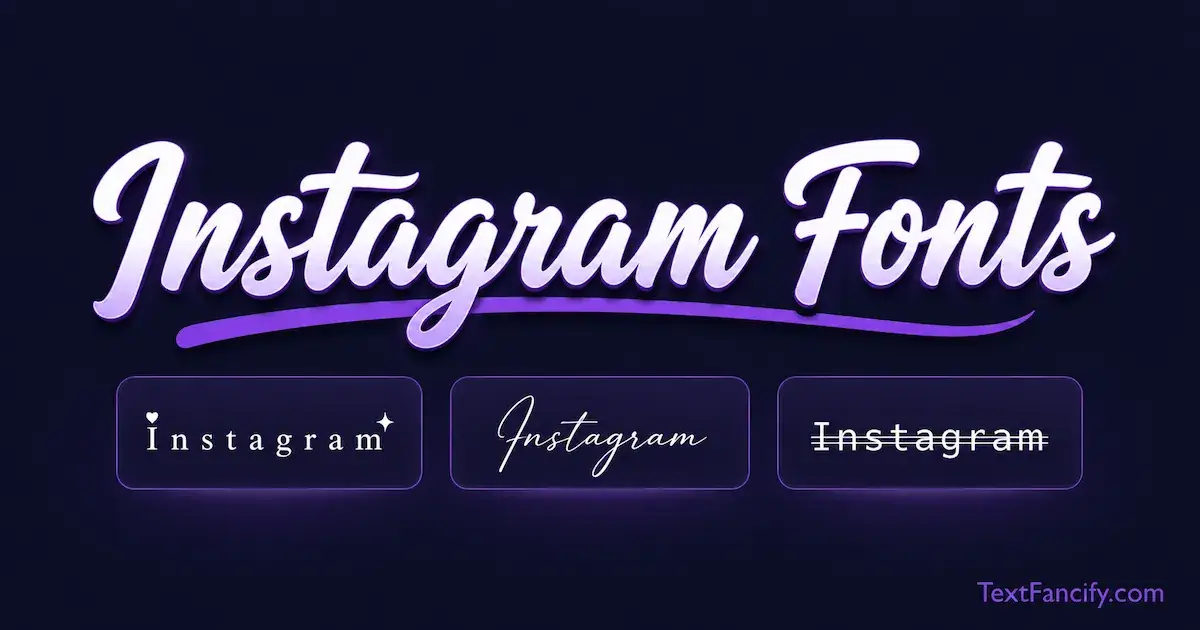
The Free Instagram Fonts
Generator
Copy and paste stylish fonts for Instagram bios, usernames, captions, stories & reels — no app needed, works on iPhone & Android.
100+ Font Styles
Aesthetic, cursive, bold, old English and other Unicode styles for copy-and-paste text.
Instant Preview
Every style updates in real time as you type. No loading, no waiting, no signup required.
One-Click Copy
Click any card and it copies instantly to clipboard. Paste straight into Instagram bio or caption.
Unicode-Based Text
The generator creates Unicode characters that you can copy and test in supported Instagram text fields.
What Are Instagram Fonts?
Instagram fonts are copy-and-paste text styles made from Unicode characters. They are not downloadable font files and they do not change Instagram's own typeface. Instead, this generator converts ordinary text into Unicode characters that have different visual forms, so you can copy the result and paste it into places such as a bio, caption, Story or other supported text field.
Instagram Fonts Generator — Stylish Text for Instagram
TextFancify's free Instagram fonts generator converts ordinary text into a range of Unicode-based styles. Type your text, choose a style, copy the result, and paste it where you want to use it on Instagram.
The important distinction is that these are Unicode characters, not installed font files. Unicode defines characters and their encoding; the way those characters look on screen depends on the fonts and rendering system available on the device or app.
100+ Font Styles
Explore aesthetic, cursive, bold, Old English, double-struck and other Unicode-based styles.
Instant Preview
See the converted text as you type and switch between style categories without leaving the page.
One-Click Copy
Copy a selected result to your clipboard and paste it into your Instagram workflow.
Unicode-Based
The generator uses text characters rather than requiring a font download or installation.
How to Use the Instagram Fonts Generator
Creating copy-and-paste Instagram text takes three simple steps:
- 1Type your textEnter a word, name, bio line, caption or other text into the generator above.
- 2Choose a styleBrowse the Aesthetic, Cursive, Bold, Old English or Double categories and preview the results.
- 3Copy and pasteClick Copy, then paste the generated text into the Instagram field you want to use.
Are Instagram Fonts Actually Fonts?
Not in the usual sense. A traditional font is a collection of glyph designs used to render characters. Unicode is a character-encoding standard; it does not itself define the exact visual shape of those characters.
That is why an Instagram font generator can create text that looks bold, cursive, mathematical, double-struck or otherwise decorative without installing a font on your phone. The styling is carried by the characters you copy, while their final appearance is produced by the receiving system's text-rendering environment.
In short: you are not changing Instagram's font setting. You are copying a different sequence of Unicode characters.
Where Can You Use Instagram Fonts?
Instagram Bio Fonts
Use the generator to create a styled version of a short bio line, name or descriptive phrase, then copy and paste it into your profile. For important information, keep readability in mind: decorative characters can make text harder to scan.
Instagram Username and Display Name
Username and display-name fields should be treated separately because Instagram can apply different character rules to different fields. If a particular Unicode style is rejected or does not render as expected, try another style or keep the important part in ordinary text.
Instagram Captions
Unicode styles can be used for emphasis, headings, short phrases or decorative elements in captions. A practical approach is to style only the parts that benefit from emphasis rather than converting an entire long caption.
Instagram Stories and Reels
You can copy generated text and test it in the relevant Instagram text field. Instagram also provides its own built-in typography options in Stories and other creation experiences; those are different from copy-and-paste Unicode text.
Copy-and-Paste Instagram Text
If your goal is simply Instagram fonts copy and paste, the workflow is straightforward: generate → copy → open Instagram → paste → preview before saving or publishing.
How to Choose an Instagram Font Style
There is no single universally “best” Instagram font. The right choice depends on what you are trying to communicate and how easy the finished text is to read.
Popular Instagram Font Styles to Try
Aesthetic Instagram Fonts
Aesthetic styles can give short profile text a clean, decorative appearance. They are particularly useful when you want a visual change without adding images or graphics.
Cursive Instagram Fonts
Cursive styles create a handwriting-like appearance and are a natural option for names, short bio phrases and personal captions. If you want more cursive options, try the Cursive Font Generator.
Bold Instagram Fonts
Bold Unicode styles can add emphasis to a short phrase or heading. They can be useful when you want a stronger visual contrast while keeping the text relatively simple. For more choices, see the Bold Text Generator.
Old English and Gothic Instagram Fonts
Old English and Fraktur styles create a distinctive blackletter-inspired appearance. They can be useful for usernames, short names and themed profile text. You can explore more variations in the Old English Font Generator.
Other Styles
TextFancify also has dedicated tools for Italic, Small Text, Strikethrough, Glitch Text, Bubble Text and Vaporwave Text. Keeping these styles on their own focused pages lets this Instagram page remain centered on the broader Instagram-font use case.
Why Some Unicode Characters May Look Different
Unicode defines characters, not a single universal visual design for every character. The Unicode Standard explains that the final glyph shown on screen depends on the rendering system and fonts available to the device or software.
As a result, a particular decorative character may look slightly different across devices, or a character may not have the expected glyph available in a particular environment. This is why it is sensible to preview your text after pasting it into Instagram before publishing.
Readability Matters
Stylish text is most useful when people can still understand it quickly. For important information such as a name, contact detail, business description or call to action, consider keeping the essential wording in ordinary text and using decorative Unicode selectively.
This also helps when a reader's device, font coverage or accessibility setup handles a particular Unicode character differently.
Instagram Fonts vs. Instagram Sans
Instagram Sans is Instagram's custom typeface created as part of its visual identity. Meta describes Instagram Sans as a custom typeface available in Regular, Headline and Condensed styles, with support for multiple global scripts.
That is different from the text generated here. TextFancify does not change Instagram's typeface or install Instagram Sans. The generator produces Unicode characters that you copy and paste as text.
Simple distinction: Instagram Sans is a typeface created for Instagram's brand and product experiences; “Instagram fonts” from a copy-and-paste generator are Unicode characters used to give ordinary text a different visual appearance.
How to Get Fonts for Instagram
If you searched for how to get fonts for Instagram, you do not need to install a font file for the copy-and-paste method:
- Enter your text in the generator above.
- Choose a Unicode style.
- Copy the result.
- Open the relevant Instagram field.
- Paste the text and check the preview before saving or publishing.
Are Instagram Fonts Free?
Yes. This TextFancify generator is provided free of charge and does not require an Instagram login to generate the text. The generator creates the styled text directly in the page's browser-side tool.
Frequently Asked Questions About Instagram Fonts
More TextFancify Font Generators
Looking for a specific style rather than general Instagram fonts? Explore the Cursive Font Generator, Bold Text Generator, Old English Font Generator, Italic Font Generator, Small Text Generator, Strikethrough Text Generator, or Glitch Text Generator. You can also use the Copy and Paste Fonts tool for a broader collection.