Bubble Text Generator
Type anything below and get your words back inside little circles and squares, ready to copy. This bubble text generator updates as you type, so you can see every style before you pick one.
The Free Bubble Text
Generator
Type any text and instantly copy adorable bubble font styles for Instagram, WhatsApp, TikTok bios & more.
5+ Bubble Styles
Open bubble, dark bubble, square bubble and more — all completely free.
Instant Preview
Every bubble font updates in real time as you type.
One-Click Copy
Tap any bubble text card and it copies instantly.
Works Everywhere
Instagram, WhatsApp, Discord, TikTok — Unicode bubble text works on most apps and devices.
Bubble Text Generator: Copy and Paste Bubble Fonts
Here's the short version. You type a word, the tool swaps each letter for a circled or boxed character, and you tap a style to copy it. Then you paste it into a bio, a caption, a username or a chat. There's nothing to install and no account to make. If you've been looking for a bubble text generator copy and paste tool that simply works, this is it.
Every style below comes from the same family of Unicode symbols, so the result is real text and not a picture. That's why it stays put when you paste it somewhere else.
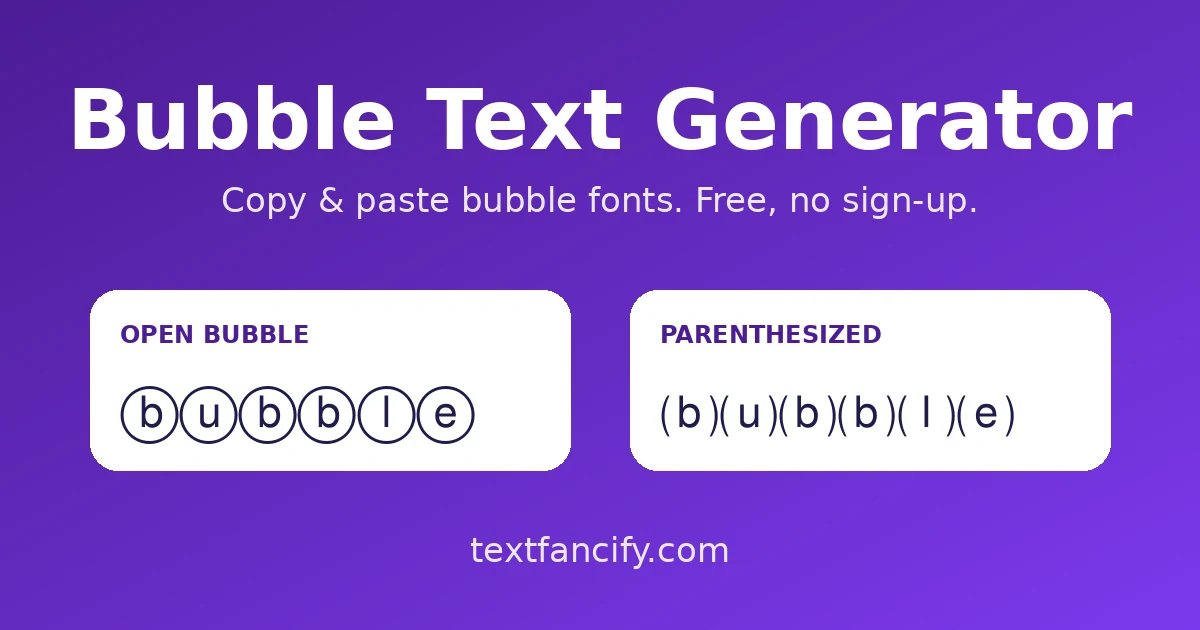
The Bubble Text Styles You Can Copy
This bubble text generator gives you three main looks, plus a few extras in the All Bubble tab. Here is what each one does.
Open bubble: ⓐⓑⓒ
Open bubble puts each letter inside a thin circle. It's the classic look, and the one most people picture when they think of bubble letters online. It stays readable at small sizes, so it suits bios and short captions. For example, Hello becomes Ⓗⓔⓛⓛⓞ.
Dark bubble: 🅐🅑🅒
Dark bubble flips the look. Each letter sits in a solid, filled circle. It's heavier and punchier, which works well for a headline or a name you want people to notice. One quirk: this set only has capital letters, so lowercase text shows up as capitals in this style. That's how Unicode is built, not a bug. Hello becomes 🅗🅔🅛🅛🅞.
Square bubble: 🄰🄱🄲
Square swaps circles for boxes. It looks more like tiles or app icons than bubbles, which makes it a good fit for gaming names and tech-style bios. Like dark bubble, it covers capital letters only. Hello becomes 🄷🄴🄻🄻🄾.
| Style | Example | Best for | Letters |
|---|---|---|---|
| Open bubble | Ⓗⓔⓛⓛⓞ | Bios and captions | Upper and lower case |
| Dark bubble | 🅗🅔🅛🅛🅞 | Headlines and names | Capitals only |
| Square | 🄷🄴🄻🄻🄾 | Gaming names | Capitals only |
| Parenthesized | ⒣⒠⒧⒧⒪ | Light, playful captions | Lowercase letters |
| Small caps bubble | ʜᴇʟʟᴏ | Short names and bios | Letters as small capitals |
How to Use This Bubble Font Generator
Using the bubble text generator takes about ten seconds.
- Type or paste your text into the box.
- Choose a tab: All Bubble, Open Bubble, Dark Bubble or Square.
- Tap the style you like. It copies straight away.
- Paste it into your bio, caption or chat.
A quick tip for any bubble text generator: keep it short. A name or a short phrase looks great in bubbles, while a full paragraph gets tiring to read. You can also use the size control to enlarge the preview.
Where Unicode Bubble Text Works
Because this is Unicode bubble text, anything made with the bubble text generator travels with your message. Any app that can show standard Unicode characters can show it, which covers most social apps and messengers. How it looks can still vary a little between phones and computers, since each device draws the symbols with its own font.
Instagram and TikTok
Bios, captions and comments are the easy places to start with this bubble text generator. If a field strips special symbols, you'll simply see plain letters, so try one short word before you change anything important.
WhatsApp and Discord
Chat messages are the safest place. Display names, group names and server names are worth a quick test first, because apps set their own rules about which characters they accept.
How Bubble Text Works (Unicode)
Bubble characters aren't a font. They're separate symbols in the Unicode standard, grouped in blocks called Enclosed Alphanumerics and Enclosed Alphanumeric Supplement. Circled capital letters run from U+24B6 to U+24CF, and circled lowercase letters from U+24D0 to U+24E9, as shown in the Unicode Enclosed Alphanumerics chart. Because they're characters and not formatting, they survive copy and paste. That's the whole trick behind any bubble text generator. You can read more in this Wikipedia overview of enclosed alphanumerics.
Bubble Text vs Bubble Letters
People mix these two up all the time. Bubble text from a bubble text generator is plain Unicode that you can paste anywhere. Bubble letters, the puffy graffiti-style kind, are drawings made in design apps and saved as images. If you need a poster or a logo, you want bubble letters. If you need something to paste into a bio or a message, you want bubble text. Some people call this tool a bubble font generator, but no font is involved, only characters.
A Quick Note on Accessibility
Screen readers may read these symbols out by their Unicode names, such as "circled latin small letter h", or skip them entirely. That can make a sentence hard to follow for people who rely on them. This is true of every bubble text generator, so use bubble text for decoration, like a name or a short phrase, and keep anything important in plain text.
Frequently Asked Questions
More Free Text Generators
- Font Generator: 200+ Unicode font styles on the home page.
- Copy and Paste Fonts: every style in one list, ready to copy.
- Cute Font Generator: adorable cute styles for bios and captions.
- Fancy Text Generator: a wide range of styles in one place.
- Bold Text Generator: bold Unicode styles.
- Strikethrough Text Generator: crossed-out and underline styles.
- Cursive Font Generator: flowing, handwriting-style text.
- Glitch Text Generator: corrupted and distorted effects.
That's all there is to it. Type, tap and paste, and your next bio gets a little more playful. Come back to the bubble text generator whenever you want a new look. If you want a free bubble text generator that works on any device, bookmark this page.